Every Sims 4 cheat in this list runs through the built-in cheat console, so you don’t need a mod, a download or a third-party tool. Below you’ll find the exact codes for money, skills, careers, build mode, relationships, pregnancy and occult Sims, plus fixes for when the console refuses to open or a code does nothing.
What you need before entering Sims 4 cheats
Most codes work in the base game. Skill and occult codes tied to expansion, game or stuff packs only work if you own that pack. Have these ready:
- An updated game. Cheat names occasionally change after big patches, and outdated script mods are the usual reason a code stops responding.
- A backup save. Codes like
death.toggleandbb.moveobjectscan leave a lot or household in an odd state. Use “Save As” to make a copy first. - Live Mode open. Most cheats need a loaded household. A few, such as
FreeRealEstate on, are entered from the world or neighborhood view. - testingcheats switched on for anything that uses shift-click menus or edits stats directly.
How to open the cheat console and enable cheats
Enable cheats in The Sims 4
- Load a household into Live Mode.
- Press Ctrl + Shift + C (also Ctrl + Shift + C on Mac).
- Type testingcheats true and press Enter.
- Look for the “Cheats are enabled.” message.
- Enter any code from the tables below.
The console appears as a thin white bar at the top-left of the screen. Type the code exactly as written and press Enter. Codes aren’t case-sensitive, but spaces and underscores matter.
| Platform | Open the console | Enable cheats | Notes |
|---|---|---|---|
| Windows PC | Ctrl + Shift + C | testingcheats true | Some laptops need Ctrl + Windows + Shift + C |
| Mac | Ctrl + Shift + C | testingcheats true | Uses the same codes as PC |
| PlayStation 4/5 | L1 + L2 + R1 + R2 | testingcheats true | Type with the on-screen keyboard |
| Xbox One / Series X|S | LB + LT + RB + RT | testingcheats true | Type with the on-screen keyboard |
On PlayStation and Xbox, the game warns you that entering cheats turns off trophies and achievements for that save. If you’re hunting trophies, play a separate save for cheating.
To turn cheats off again, type testingcheats false. Typing help in the console prints a list of the commands available in your version.
What you should see
Once testingcheats is on, holding Shift and clicking a Sim, an object or the ground gives you extra menu options such as “Cheat Need”, “Modify in CAS” and “Teleport Me Here”. You can also drag a Sim’s need bars up or down by hand in the Needs panel. If those options don’t appear, jump to the troubleshooting table further down.
Money cheats
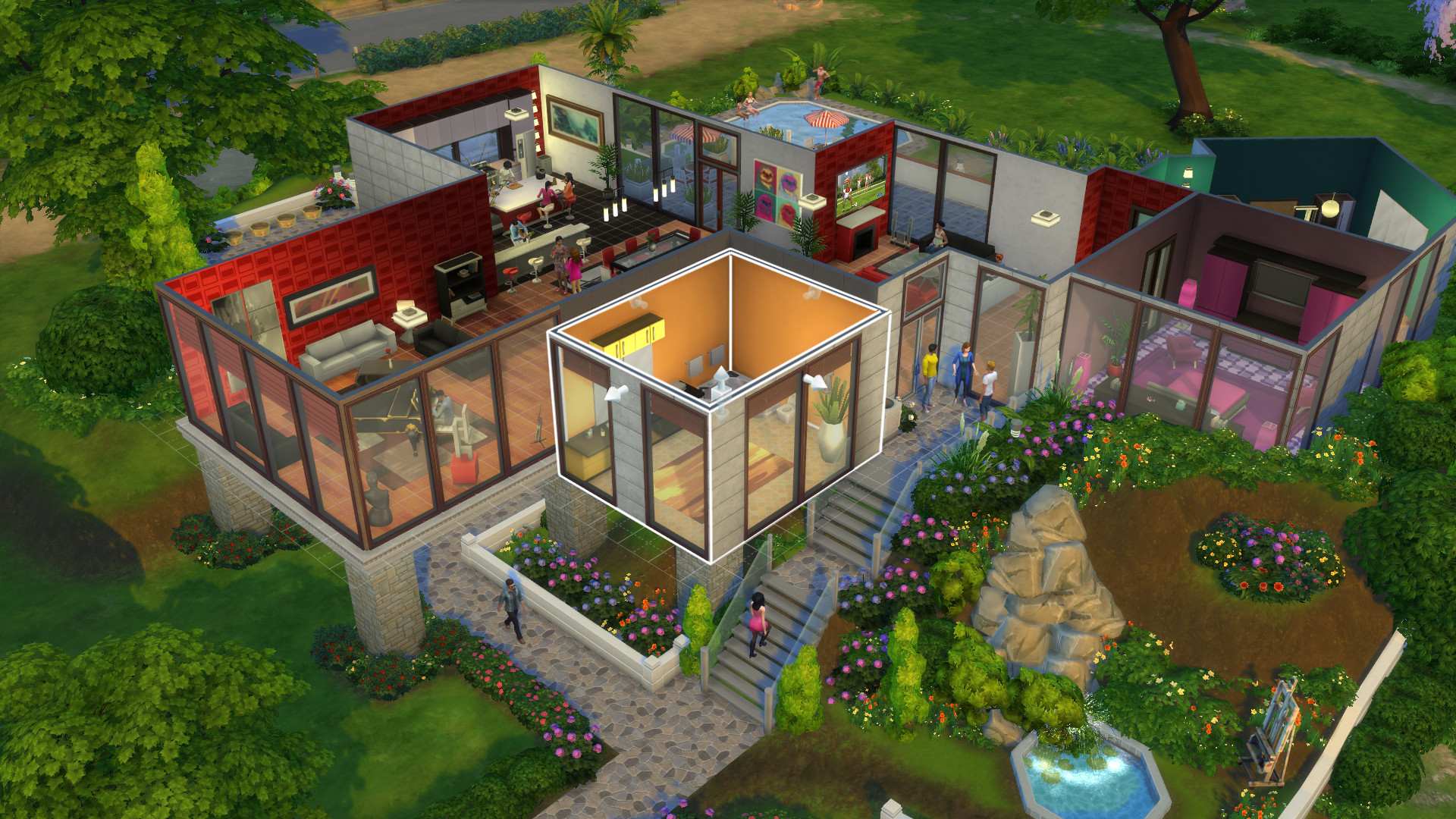
These are the cheats people look up first. All of them affect the active household’s funds.
| Cheat | What it does | Needs testingcheats? |
|---|---|---|
| motherlode | Adds §50,000 | No |
| kaching | Adds §1,000 | No |
| rosebud | Adds §1,000 | No |
| Money [amount] | Sets household funds to an exact number | No |
| sims.modify_funds [amount] | Adds or subtracts (use a minus sign) | No |
| FreeRealEstate on | Every lot costs nothing to move into | No, enter in world view |
| household.autopay_bills true | Bills are paid automatically | No |
Modder's note
Use Money 500000 instead of spamming motherlode ten times. It sets the exact figure in one entry and you can drop it back down just as easily for a challenge run.
Skill cheats
The skill cheat format is stats.set_skill_level [skill name] [level], and it applies to the Sim you currently have selected. Major skills max out at 10. Dancing and toddler skills cap at 5.
| Skill | Cheat (set to max) | Pack |
|---|---|---|
| Charisma | stats.set_skill_level Major_Charisma 10 | Base game |
| Comedy | stats.set_skill_level Major_Comedy 10 | Base game |
| Cooking | stats.set_skill_level Major_HomestyleCooking 10 | Base game |
| Gourmet Cooking | stats.set_skill_level Major_GourmetCooking 10 | Base game |
| Fishing | stats.set_skill_level Major_Fishing 10 | Base game |
| Fitness | stats.set_skill_level Skill_Fitness 10 | Base game |
| Gardening | stats.set_skill_level Major_Gardening 10 | Base game |
| Guitar | stats.set_skill_level Major_Guitar 10 | Base game |
| Handiness | stats.set_skill_level Major_Handiness 10 | Base game |
| Logic | stats.set_skill_level Major_Logic 10 | Base game |
| Mischief | stats.set_skill_level Major_Mischief 10 | Base game |
| Mixology | stats.set_skill_level Major_Bartending 10 | Base game |
| Painting | stats.set_skill_level Major_Painting 10 | Base game |
| Piano | stats.set_skill_level Major_Piano 10 | Base game |
| Programming | stats.set_skill_level Major_Programming 10 | Base game |
| Rocket Science | stats.set_skill_level Major_RocketScience 10 | Base game |
| Video Gaming | stats.set_skill_level Major_VideoGaming 10 | Base game |
| Violin | stats.set_skill_level Major_Violin 10 | Base game |
| Writing | stats.set_skill_level Major_Writing 10 | Base game |
| Baking | stats.set_skill_level Major_Baking 10 | Get to Work |
| Photography | stats.set_skill_level Major_Photography 10 | Get to Work |
| DJ Mixing | stats.set_skill_level Major_DJMixing 10 | Get Together |
| Dancing | stats.set_skill_level Minor_Dancing 5 | Get Together |
| Wellness | stats.set_skill_level Major_Wellness 10 | Spa Day |
| Herbalism | stats.set_skill_level Major_Herbalism 10 | Outdoor Retreat |
| Singing | stats.set_skill_level Major_Singing 10 | City Living |
| Veterinarian | stats.set_skill_level Major_Veterinarian 10 | Cats & Dogs |
| Parenting | stats.set_skill_level Major_Parenting 10 | Parenthood |
| Archaeology | stats.set_skill_level Major_Archaeology 10 | Jungle Adventure |
| Acting | stats.set_skill_level Major_Acting 10 | Get Famous |
Child and toddler skills
Kids have their own skill set. Child skills run to 10 and toddler skills to 5, so a toddler code with a 10 at the end just won’t stick.
- Child:
Skill_Child_Creativity,Skill_Child_Mental,Skill_Child_Motor,Skill_Child_Social(use 10) - Toddler:
statistic_skill_toddler_communication,statistic_skill_toddler_imagination,statistic_skill_toddler_movement,statistic_skill_toddler_potty,statistic_skill_toddler_thinking(use 5)
As an example, stats.set_skill_level statistic_skill_toddler_communication 5 lets a toddler talk fluently right away. Maxing communication and potty first keeps toddler gameplay much calmer.
Career and aspiration cheats
Career cheats take the internal career name without spaces, for example astronaut, criminal, culinary, entertainer, painter, secretagent, techguru or writer.
careers.promote [career]moves the Sim up one level. Repeat it to climb the ladder.careers.demote [career]drops them one level.careers.add_career [career]joins a career without the phone.careers.remove_career [career]quits it.aspirations.complete_current_milestonefinishes the active aspiration milestone.sims.give_satisfaction_points [number]adds points for the Rewards Store, which is the clean way to buy reward traits like Fertile or Never Weary.
Build mode cheats
Build mode codes are where experienced builders spend most of their console time. None of them need testingcheats except where noted.
| Cheat or shortcut | What it does |
|---|---|
| bb.moveobjects on | Place objects anywhere, overlapping or off-grid |
| bb.showhiddenobjects | Unlocks debug objects in the catalog |
| bb.showliveeditobjects | Shows world-editing objects like rocks and trees |
| bb.ignoregameplayunlocksentitlement | Unlocks career reward objects |
| bb.enablefreebuild | Lets you edit locked lots, entered from world view |
| Shift + ] / Shift + [ | Scales a selected object up or down |
| 9 / 0 | Raises or lowers an object (with bb.moveobjects on) |
| Hold Alt | Rotate or place freely without grid snapping |
Before you install
bb.moveobjects can trap Sims behind clipped objects and break routing. Turn it off once you finish decorating and save a backup copy of your lot.
Needs, relationship and Sim control cheats
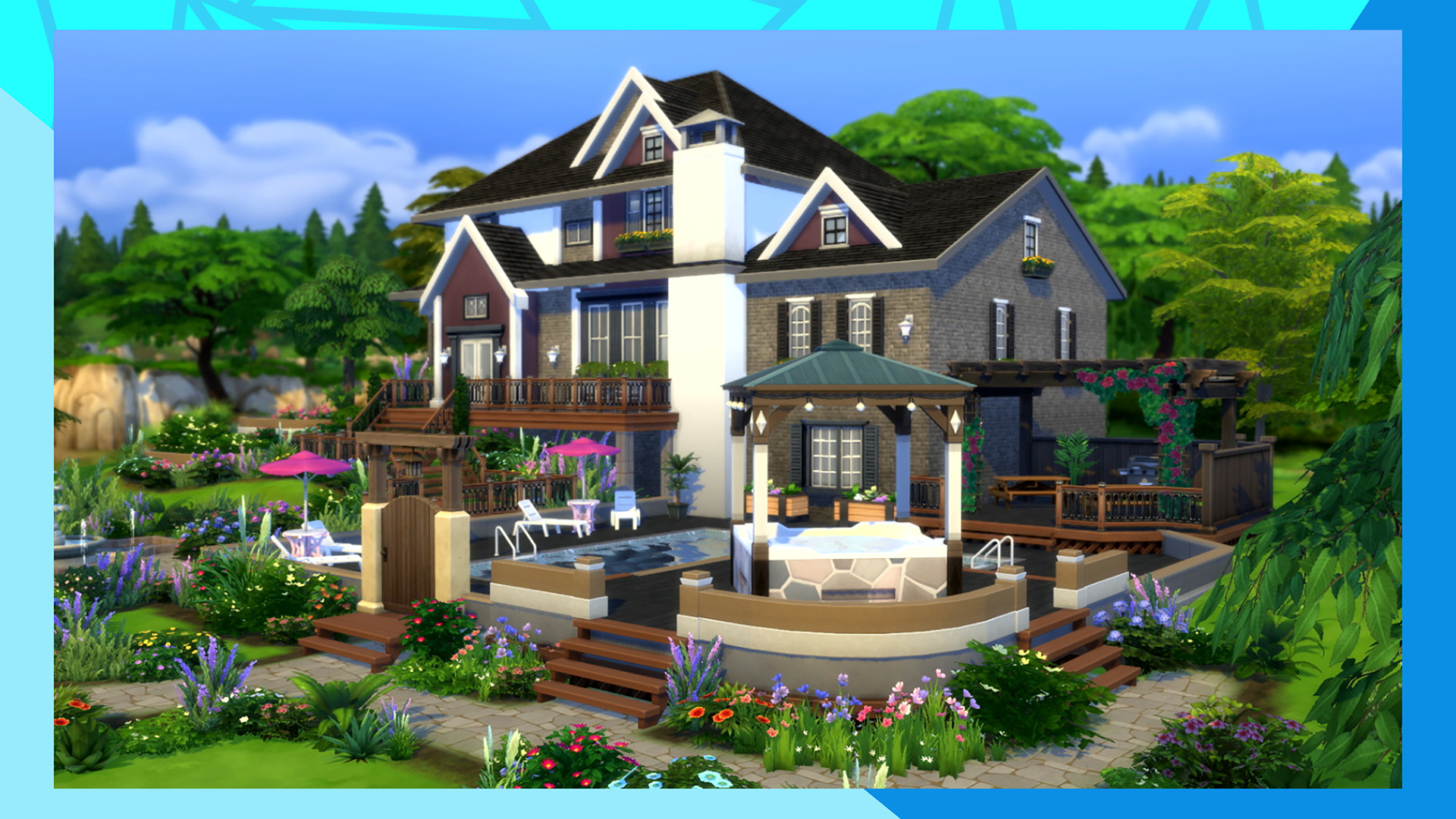
These are the cheats for lifestyle tweaks and for fixing stuck Sims.
| Cheat | What it does |
|---|---|
| sims.fill_all_commodities | Fills every need for all Sims on the lot |
| stats.fill_commodities_household | Fills needs for your household only |
| fillmotive motive_hunger | Fills one need (swap in motive_energy, motive_fun, motive_hygiene, motive_social or motive_bladder) |
| Shift-click Sim > Cheat Need > Make Happy | Sets needs full and mood to Happy |
| Shift-click ground > Teleport Me Here | Moves the active Sim instantly |
| resetsim [First] [Last] | Unsticks a frozen or glitched Sim |
| death.toggle false | Stops Sims from dying (death.toggle true turns death back on) |
| relationship.introduce_sim_to_all_others | Your Sim knows everyone in the world |
| modifyrelationship [First1] [Last1] [First2] [Last2] 100 LTR_Friendship_Main | Maxes friendship between two Sims |
| modifyrelationship [First1] [Last1] [First2] [Last2] 100 LTR_Romance_Main | Maxes romance between two Sims |
Change traits and appearance
Type cas.fulleditmode, then shift-click a Sim and choose “Modify in CAS” (testingcheats must be on). This opens Create a Sim with full editing, so you can swap traits, change aspirations and rebuild a Sim’s look without starting over. Exit CAS and the changes stick.
Traits can also be added by code with traits.equip_trait [trait] and removed with traits.remove_trait [trait], which is useful for hidden or occult traits that CAS won’t show.
How to make a Sim a vampire
With the Vampires game pack installed, select the Sim and enter traits.equip_trait trait_OccultVampire. The Sim becomes a vampire immediately, starting at the lowest power rank. To reverse it, enter traits.remove_trait trait_OccultVampire. Back up the save first, because removing an occult trait by code can leave vampire buffs or perks behaving oddly until the Sim is reset with resetsim.
Pregnancy and multiple birth cheats
You can force twins, triplets or quadruplets for a Sim who is already pregnant. It takes two codes:
- Enter
sims.get_sim_id_by_name [First] [Last]to get the Sim’s ID number. - Enter
pregnancy.force_offspring_count [SimID] [number], using a number from 1 to 4.
The count locks in at birth. If you’d rather not use codes, the Fertile reward trait (bought with satisfaction points) raises the odds of multiples naturally.
Troubleshooting: when Sims 4 cheats don’t work
| Problem | Likely cause | Fix |
|---|---|---|
| Console won’t open | Laptop shortcut conflict | Try Ctrl + Windows + Shift + C, or check the fn key |
| “Cheats are enabled.” never appears | Typo or extra space | Retype testingcheats true exactly |
| No shift-click cheat options | testingcheats is off | Re-enter testingcheats true after loading a lot |
| Skill code does nothing | Pack not owned or wrong name | Check the pack column and the skill spelling |
| Codes break right after a patch | Outdated script mods | Disable script mods in Game Options > Other and test again |
| FreeRealEstate on fails | Entered inside a lot | Enter it from the world or neighborhood view |
| Sim stuck after bb.moveobjects | Blocked routing | Use resetsim or Teleport Me Here |
Modder's note
If a cheat that worked yesterday stops working after an update, rename your Mods folder and launch the game. If the code works with mods off, a script mod is intercepting the console and needs an update from its author.
Common mistakes
- Typing a toddler skill at 10. It caps at 5.
- Entering pack-specific codes without the pack installed.
- Forgetting that testingcheats resets when you travel or reload. Re-enter it after loading a new lot.
- Leaving
death.toggle falseon, then wondering why a legacy challenge heir never dies of old age.
FAQ
Do Sims 4 cheats disable achievements?
On PlayStation and Xbox, yes. The game warns you that using cheats turns off trophies and achievements for that save. Keep a clean save for trophy hunting and a separate one for cheating.
Are the cheat codes the same on PC, Mac and console?
The codes themselves match across platforms. Only the shortcut changes: Ctrl + Shift + C on both Windows and Mac, and all four shoulder buttons on PlayStation and Xbox.
How do I turn cheats off?
Open the console and type testingcheats false. Toggle-style codes such as bb.moveobjects and death.toggle need their own off command.
Can cheats corrupt a save?
The money and skill codes are low-risk. Build cheats, death.toggle and trait removal are the ones that cause stuck Sims or odd behavior. Make a “Save As” copy before using them and you can always roll back.
Do I need mods to use Sims 4 cheats?
No. Every code on this page uses the game’s own console. Mods only matter when an outdated one blocks the console after a patch.