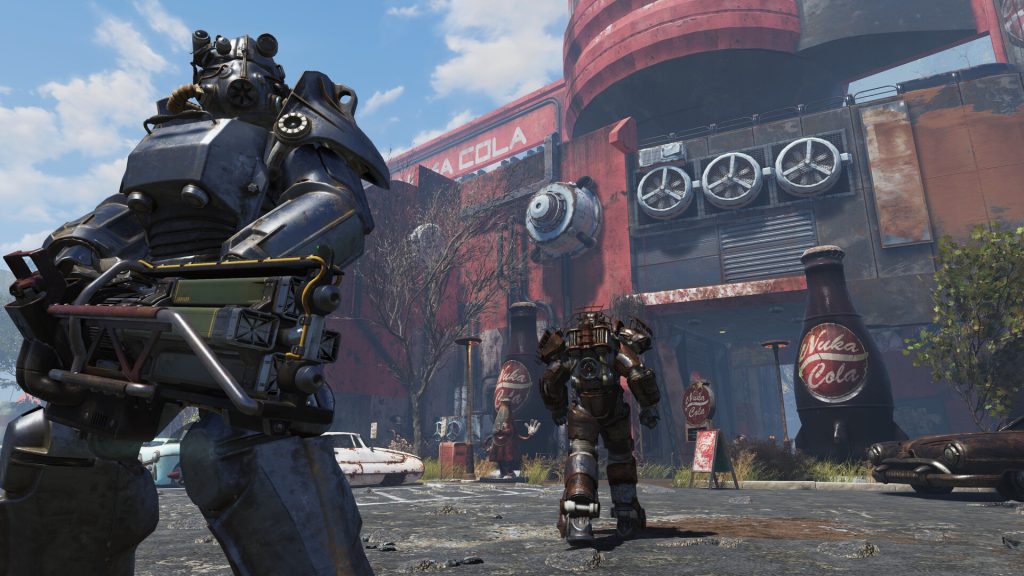
Fallout 76 runs on Bethesda’s servers, so modding it works nothing like modding Fallout 4 or Skyrim. You can change how the game looks and how its menus behave on PC, but anything that touches gameplay, the server or other players can get your account banned. Here is where the line sits, which mods players actually run, and how to install them without breaking your game after the next patch.
The key facts up front
Fallout 76 launched on November 14, 2018, as Bethesda’s first online multiplayer Fallout. Todd Howard mentioned private worlds and mod support at E3 2018, and at QuakeCon 2018 he committed to private servers with mod support after launch. The private servers half arrived in a paid form. The mods half, meaning an official Creation Kit for Fallout 76, never shipped.
Here is what actually exists:
- Fallout 1st, a subscription that launched in October 2019 at $12.99 a month or $99.99 a year, gives you Private Worlds where you can play with up to seven friends.
- Custom Worlds, added for Fallout 1st members with the Fallout Worlds update in 2021, let you change world settings such as building rules and PvP. This is the closest thing to official modding the game has.
- Community mods on Nexus Mods change the PC client: interface, textures, sounds and quality-of-life tweaks. Bethesda does not support them, but in practice it has not pursued players for cosmetic and interface changes.
- Consoles get no mods at all. Xbox and PlayStation players have Private and Custom Worlds through Fallout 1st and nothing else.
That gap between the 2018 promise and the current reality is why so many players are confused about what is allowed.
Why Fallout 76 can’t be modded like Fallout 4
In Fallout 4, your game is the whole world. You can rewrite the Commonwealth, add new quests, swap the combat system and load 300 plugins, and the only person affected is you.
Fallout 76 splits the work. Your PC renders the world, plays the sounds and draws the menus. Bethesda’s servers handle the stuff that matters: your inventory, your character, damage, loot, quest state and where every other player is standing. A mod on your machine can only change what your machine is in charge of.
That is why the mods that work are visual and interface mods, and why plugin-based mods (the .esp and .esl files that power Fallout 4 and Skyrim modding) have no place here. There is no load order in the Fallout 4 sense. You load archive files, and the server ignores anything you change that it cares about.
It also explains the Atomic Shop. In Fallout 4, paid add-on content comes through Creations, Bethesda’s curated mod storefront. Fallout 76 never got Creations. Its cosmetic economy runs through the Atomic Shop, where Bethesda sells CAMP items, outfits and skins directly. Community mods that replicate paid cosmetics for other players to see would cut into that, and they can’t work anyway, because other players only see what the server tells them you own.
The 5 rules for what Bethesda allows
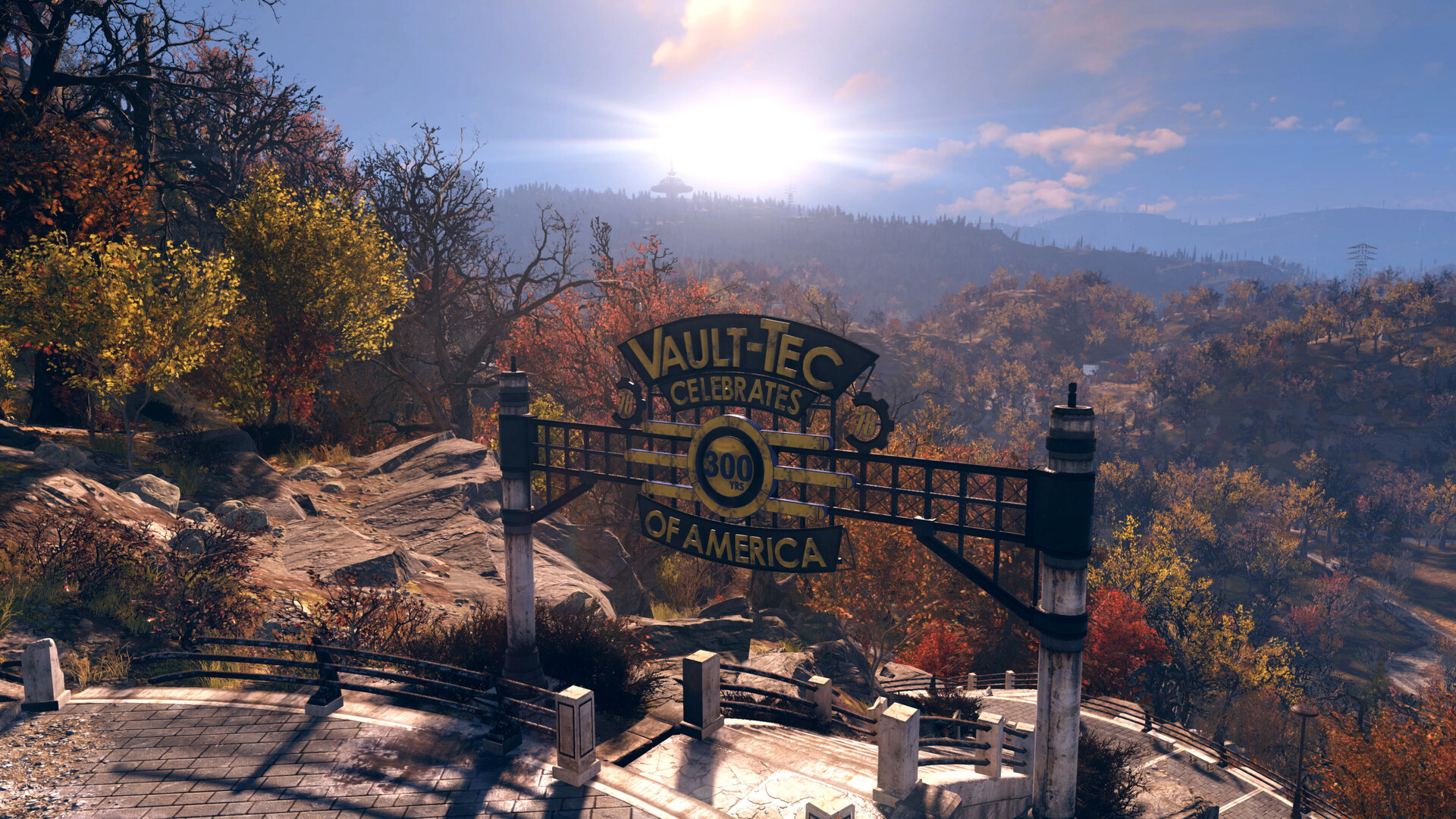
Bethesda’s terms of service don’t hand out a blanket permission slip for modding. “Tolerated” is the honest word. These five rules describe how it plays out.
1. Client-side changes are tolerated
Mods that only change what you see and how your interface works are the accepted category. Players have run inventory overhauls, map tweaks, HUD changes, texture swaps and sound replacements for years. Bethesda’s enforcement has focused elsewhere.
2. Anything that gives you an edge over other players is out
Your mod can’t make enemies glow through walls, show hidden loot, speed up your movement or change your damage. Wallhacks, ESP-style overlays and speed hacks are cheating in an online multiplayer game, and Bethesda treats them that way. Even a “harmless” texture that makes an enemy easier to spot in foliage sits uncomfortably close to this line.
3. Don’t touch the server, the network traffic or game memory
Item duplication exploits, packet manipulation and memory editing tools are what Bethesda has historically banned players for. Ban waves have followed duping exploits more than once. If a tool reads or writes the game’s memory while you’re online, assume it is bannable, whatever its author promises.
4. You’re on your own when something breaks
Bethesda offers no support for mods. If a patch breaks your modded UI, or a mod corrupts how your client displays something, customer support will tell you to remove it. Your character data lives on the server, so a broken mod rarely damages your save the way it can in Skyrim. It can still stop the game from launching.
5. The official way to customise the game is Custom Worlds
If you want to change gameplay itself, Bethesda’s answer is Custom Worlds through Fallout 1st. You get toggles rather than a Creation Kit, but the changes are sanctioned and safe. For building fans, the big draw is relaxed CAMP rules that let you place items in spots the normal game blocks.
| Change you want | Allowed? | How |
|---|---|---|
| Better inventory sorting | Tolerated | Client-side interface mod |
| New textures or sounds | Tolerated | Client-side archive mod |
| Relaxed CAMP building | Yes, officially | Custom Worlds (Fallout 1st) |
| Altered PvP rules | Yes, officially | Custom Worlds (Fallout 1st) |
| Seeing enemies through walls | No | Cheating, bannable |
| Duplicating items | No | Exploit, bannable |
| Speed or damage changes online | No | Cheating, bannable |
Which Fallout 76 mods players actually run
The Fallout 76 section on Nexus Mods is small next to Fallout 4’s, and its most-downloaded files are almost all interface fixes. A few names come up in nearly every PC player’s setup.
Better Inventory reworks the Pip-Boy and container menus so you can see more items at once, with extra columns for weight and value. If you hoard junk for CAMP builds, this is the mod that keeps you sane.
Perk Loadout Manager lets you save and swap perk card setups. Bethesda later added its own loadout features to the base game, so check whether you still need it before installing. Plenty of players found the official version covered their use.
Text Chat adds a text chat window, something the game itself doesn’t offer. It depends on SFE, a community script extender for Fallout 76.
Beyond those, you’ll find texture packs, quieter ambient sound replacements, cleaner HUD layouts and lighting tweaks. Credit for each sits on its Nexus page, and the comments section there is the fastest way to learn whether a mod survived the latest patch.
Before you install
Script extender mods like SFE inject code into the running game, which puts them in a riskier category than plain archive mods. Every Fallout 76 patch can break them, and you use them at your own risk.
How to install Fallout 76 mods on PC
Mod manager support for Fallout 76 is thin compared with Fallout 4, and most mod pages still give manual instructions. If you’re used to handling everything through a multi mod manager setup in other games, expect to do this one by hand. The good news: it is short. The Steam version is the easiest to mod. The PC Game Pass version installs into a locked-down folder by default, which makes adding files more awkward.
Install a client-side archive mod
- Download the mod’s .ba2 file from Nexus Mods.
- Copy it into the Fallout 76 Data folder.
- Open Documents, My Games, Fallout 76.
- Create Fallout76Custom.ini if it’s missing.
- Add the [Archive] section and archive line.
- Launch the game and check the change.
Editing Fallout76Custom.ini
Your custom ini needs a section header on its own line, [Archive], followed by a line that starts sResourceArchive2List= and lists your mod archives by filename, separated by commas. Each .ba2 you add to the Data folder has to appear on that line, or the game won’t load it.
Don’t edit Fallout76.ini or Fallout76Prefs.ini for this. The custom file is meant for your changes and is less likely to be touched by the launcher.
Modder's note
Keep a copy of your Fallout76Custom.ini and a text file listing your mods outside the game folder. After a big update, you can rebuild your setup in two minutes instead of hunting through Nexus pages to remember what you had.
Uninstalling
Delete the mod’s .ba2 from the Data folder and remove its filename from the sResourceArchive2List line. If the game misbehaves afterward, verify your game files through Steam to restore any vanilla archives a mod replaced.
What happens after every patch
This is the part new modders underestimate. Fallout 76 updates regularly, with seasonal content drops and major updates through the year, and the interface files that UI mods replace change often.
When a patch lands, expect this pattern:
- Interface mods break first. An outdated inventory or HUD mod can leave you with missing menus or a blank screen where the Pip-Boy should be.
- Script extenders stop working until their authors update them for the new game version, which takes them and every mod that depends on them offline.
- Texture and sound mods usually survive, since those assets change less often.
The safe habit is to remove interface and script extender mods before you play on patch day, then put them back once the author confirms an update.
| Problem | Likely cause | Fix |
|---|---|---|
| Mod doesn’t show in game | Missing from ini line | Add exact .ba2 filename |
| Blank or broken menus | UI mod outdated after patch | Remove until updated |
| Game crashes on launch | Script extender out of date | Remove SFE and dependents |
| Text Chat missing | SFE not loaded | Reinstall matching SFE version |
| Changes vanished after update | Launcher replaced files | Check Data folder and ini |
What it means for you, and what’s next
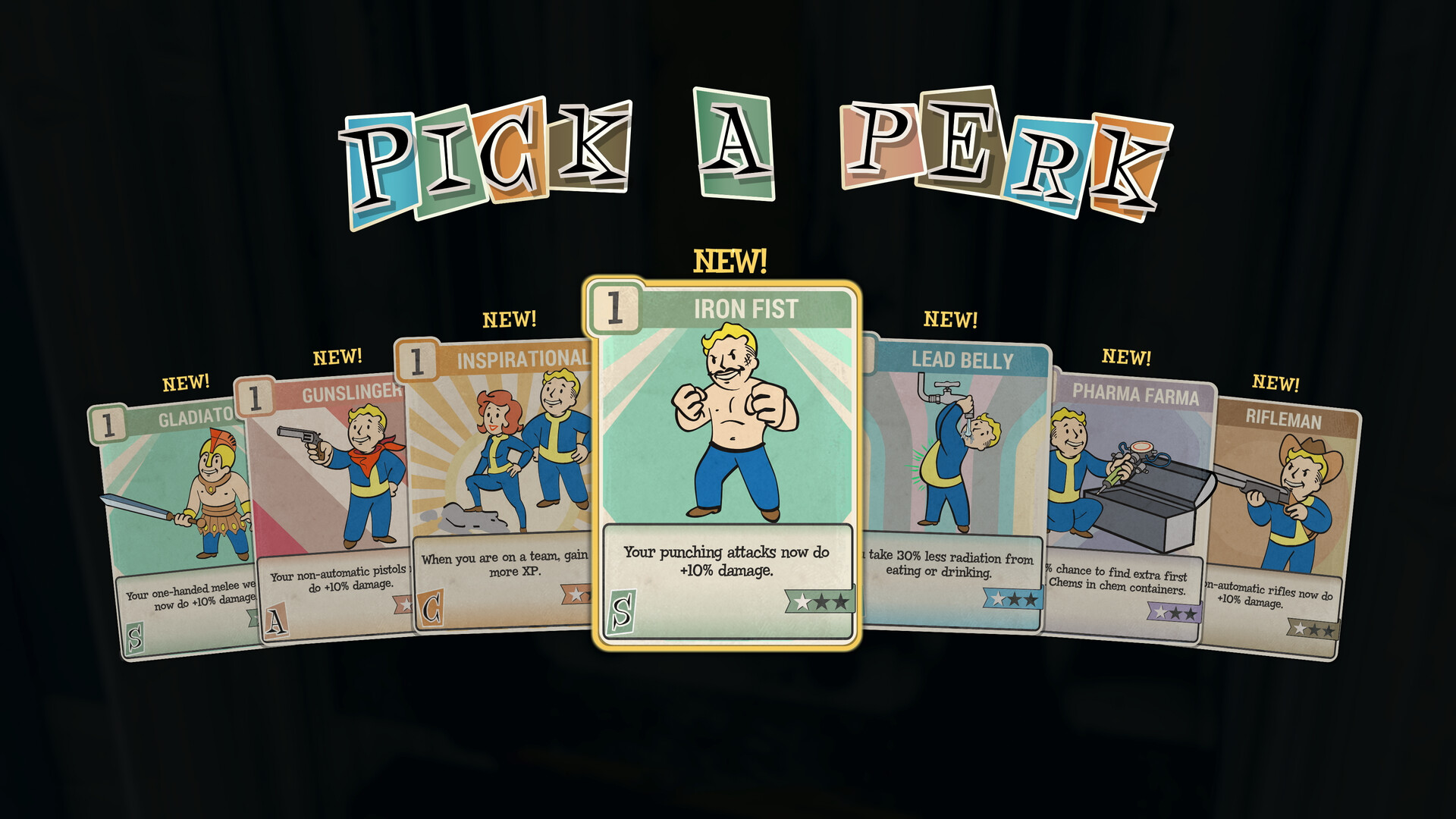
If you play on PC and want a cleaner interface, the risk with plain archive mods is low and the payoff is real. Better Inventory alone changes how the game feels during long loot runs. Skip anything that promises an advantage, and be choosier about script extenders.
If you want deeper changes, the honest answer is that Fallout 76 isn’t that game. Its world is shared, its economy is live, and Bethesda has shown no sign of releasing the Creation Kit for private servers it talked about in 2018. Custom Worlds remain the ceiling. For full-scale world overhauls, Fallout 4 is still where Bethesda’s open-world modding happens, much as players chasing big overhauls in other titles end up browsing Skyrim mods this week roundups or new Cyberpunk 2077 mods instead.
What to watch: any change to Bethesda’s terms on client mods, any official word on Creation Kit support for Private Worlds, and whether future updates add more Custom Worlds options. Until then, the five rules above hold.
FAQ
Can you get banned for using mods in Fallout 76?
Yes, for the wrong kind. Bethesda bans for cheats, exploits, duplication and anything that alters gameplay or the server. Interface and texture mods that only change your own client have been tolerated in practice, though Bethesda never officially endorses them.
Are there mods for Fallout 76 on Xbox or PS5?
No. Console players can’t install mods. The only customisation on consoles is Private Worlds and Custom Worlds through a Fallout 1st subscription.
Did Bethesda ever add the promised mod support?
Not in the form Todd Howard described at QuakeCon 2018. Private Worlds arrived with Fallout 1st and Custom Worlds added adjustable settings, but there is no official Creation Kit for Fallout 76.
Do Fallout 4 mods work in Fallout 76?
No. They share engine roots, but Fallout 4 mods rely on plugins and assets built for a single-player game. Fallout 76 loads archives only, and its server ignores client changes to gameplay.
Do I need Fallout 1st to use mods?
No. Client-side mods work in the normal game on PC. Fallout 1st adds Private Worlds and Custom Worlds, along with extras such as a Scrapbox for unlimited crafting component storage, a Survival Tent, an Aid Box, 1,650 Atoms per month and exclusive cosmetic items.