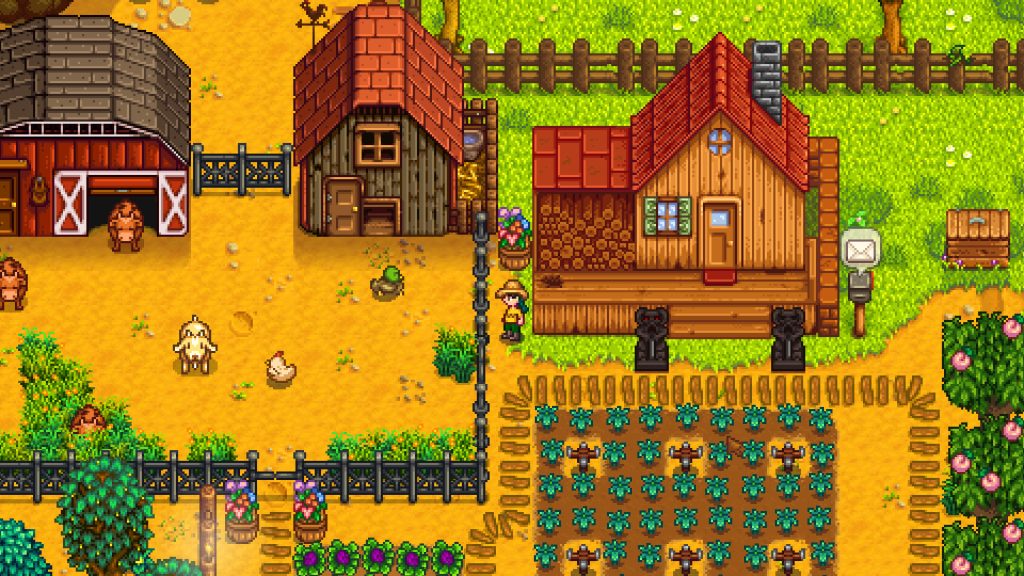
The best Stardew Valley mods start with three frameworks: SMAPI, Content Patcher and Generic Mod Config Menu. Add the quality-of-life and content mods that fit how you play on top of those. Everything below targets Stardew Valley 1.6 on PC, and each pick comes with its requirements, its author and the install traps worth knowing first.
The short list at a glance
These are the mods I keep in my own load order or reinstall on every fresh save. Nearly all of them live on Nexus Mods, which is the main home for Stardew mods. Some authors also mirror files to CurseForge or ModDrop.
| Mod | What it does | Requires | Author |
|---|---|---|---|
| SMAPI | Mod loader that runs everything else | Nothing | Pathoschild |
| Content Patcher | Loads content packs without replacing game files | SMAPI | Pathoschild |
| Generic Mod Config Menu | In-game settings menu for mods | SMAPI | spacechase0 |
| Lookup Anything | Hover info for items, NPCs, crops, machines | SMAPI | Pathoschild |
| NPC Map Locations | Villager heads on the map | SMAPI | Bouhm |
| UI Info Suite 2 | Luck, birthdays, crop timers, ranges | SMAPI | Annosz |
| Chests Anywhere | Open any chest from anywhere | SMAPI | Pathoschild |
| Better Crafting | Craft from nearby chests, bulk craft | SMAPI | KhloeLeclair |
| Automate | Chests feed machines automatically | SMAPI | Pathoschild |
| Tractor Mod | Buildable tractor for big fields | SMAPI | Pathoschild |
| Stardew Valley Expanded | Huge content expansion | SMAPI, Content Patcher, frameworks | FlashShifter |
| Ridgeside Village | New village and townsfolk | SMAPI, Content Patcher, frameworks | Rafseazz |
| East Scarp | Seaside area with modular NPCs | SMAPI, Content Patcher | Lemurkat |
| Elle’s Seasonal Buildings | Seasonal farm building retextures | Content Patcher | Elle |
| Seasonal Outfits – Slightly Cuter Aesthetic | Seasonal villager outfits | Content Patcher | Poltergeister |
| DaisyNiko’s Earthy Recolour | Softer, earthier world palette | Content Patcher | DaisyNiko |
| CJB Cheats Menu | Single-player cheat and testing menu | SMAPI | CJBok |
| Debug Mode | Debug info and the game’s debug commands | SMAPI | Pathoschild |
Pick a starter set by farmer type
You don’t need all 18. Most players are happier with a tight set that matches how they actually play. Here is what I’d install first for each style.
| Farmer type | Start with | Add later |
|---|---|---|
| First playthrough | Lookup Anything, NPC Map Locations | UI Info Suite 2 |
| Min-maxer | Lookup Anything, UI Info Suite 2, Automate | Tractor Mod, Data Layers |
| Decorator | Elle’s Seasonal Buildings, DaisyNiko’s Earthy Recolour | Seasonal Outfits SCA |
| Story and romance fan | Stardew Valley Expanded | Ridgeside Village, East Scarp |
| Late-game rancher | Automate, Chests Anywhere, Better Crafting | Tractor Mod |
| Mod tester or creator | Debug Mode, CJB Cheats Menu | Lookup Anything |
The framework trio of SMAPI, Content Patcher and Generic Mod Config Menu goes under every one of these.
Getting started: install SMAPI the right way
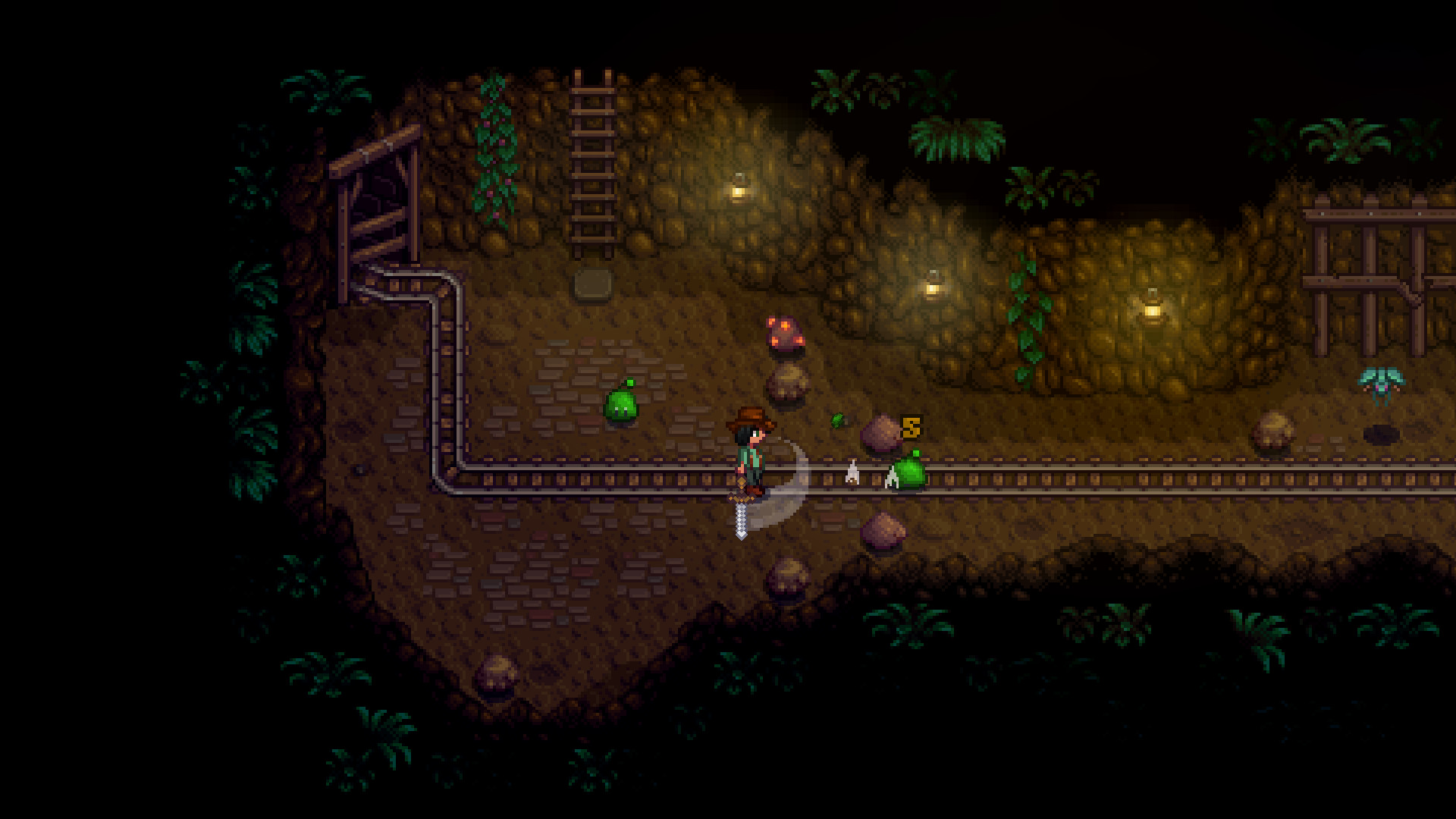
Every mod on this list needs SMAPI, the Stardew Modding API. It’s a community-built loader. The game’s developer, ConcernedApe, has supported modding, but SMAPI itself is not an official tool. It works on Windows, macOS and Linux, including the Steam Deck in desktop mode. Consoles and the official mobile versions don’t support mods.
Install steps
- Update Stardew Valley and launch it once without mods.
- Download SMAPI from its Nexus Mods page or the official SMAPI site.
- Unzip it and run the installer for your OS.
- On Steam, set the launch option the installer gives you.
- Launch through SMAPI and confirm the console window opens.
- Drop each mod’s unzipped folder into the game’s Mods folder.
When the installer finishes on Steam, it shows a launch option string that points Steam at StardewModdingAPI.exe followed by %command%. Paste that into the game’s Properties under Launch Options. After that, the normal Play button starts the game with mods. GOG and Xbox app installs work differently, and the SMAPI player guide on the official Stardew wiki covers each.
Manual install, Stardrop or Vortex?
Stardew is one of the easiest games to mod by hand. Each mod is a folder, and every folder goes into Stardew Valley/Mods. There is no plugin load order to sort, because SMAPI works out dependencies by itself.
Managers still help once you pass 30 or 40 mods. Stardrop, by Floogen, is built specifically for Stardew. It handles profiles, update checks and Nexus downloads. Vortex supports Stardew too, and it makes sense if you already use it as a multi mod manager for heavier games. I’d skip Mod Organizer 2 here. Its virtual file system solves a problem Stardew doesn’t have.
Modder's note
SMAPI ships with a Save Backup mod that zips your saves on launch. Before a big expansion install, still copy your Saves folder yourself. On Windows it lives in %appdata%StardewValleySaves.
Where to get Stardew mods safely
SMAPI mods are compiled code, so a SMAPI mod can do anything a program on your PC can do. Content Patcher packs are mostly JSON files and images, which makes them far lower risk. That difference should shape where you download from.
| Source | What you’ll find | Manager support | My take |
|---|---|---|---|
| Nexus Mods | Almost every major mod, SMAPI included | Vortex, Stardrop | Default choice, files are virus-scanned |
| CurseForge | A smaller Stardew section with some mirrors | Manual download | Fine for authors who post there |
| ModDrop | Some author-hosted files | Manual download | Legit, less traffic |
| GitHub | Source code for many SMAPI mods | Manual download | Good for checking a mod is open source |
| Random reuploads | Old or repackaged files | None | Avoid, high malicious-file risk |
Nexus sometimes shows a “Performing security verification” screen before a page loads. That is Cloudflare checking your browser, and it is normal. A reupload site asking you to run an installer or turn off antivirus is not normal. Close it.
One more rule: don’t trust a page that rehosts SMAPI. Get it from Pathoschild’s own pages.
SMAPI
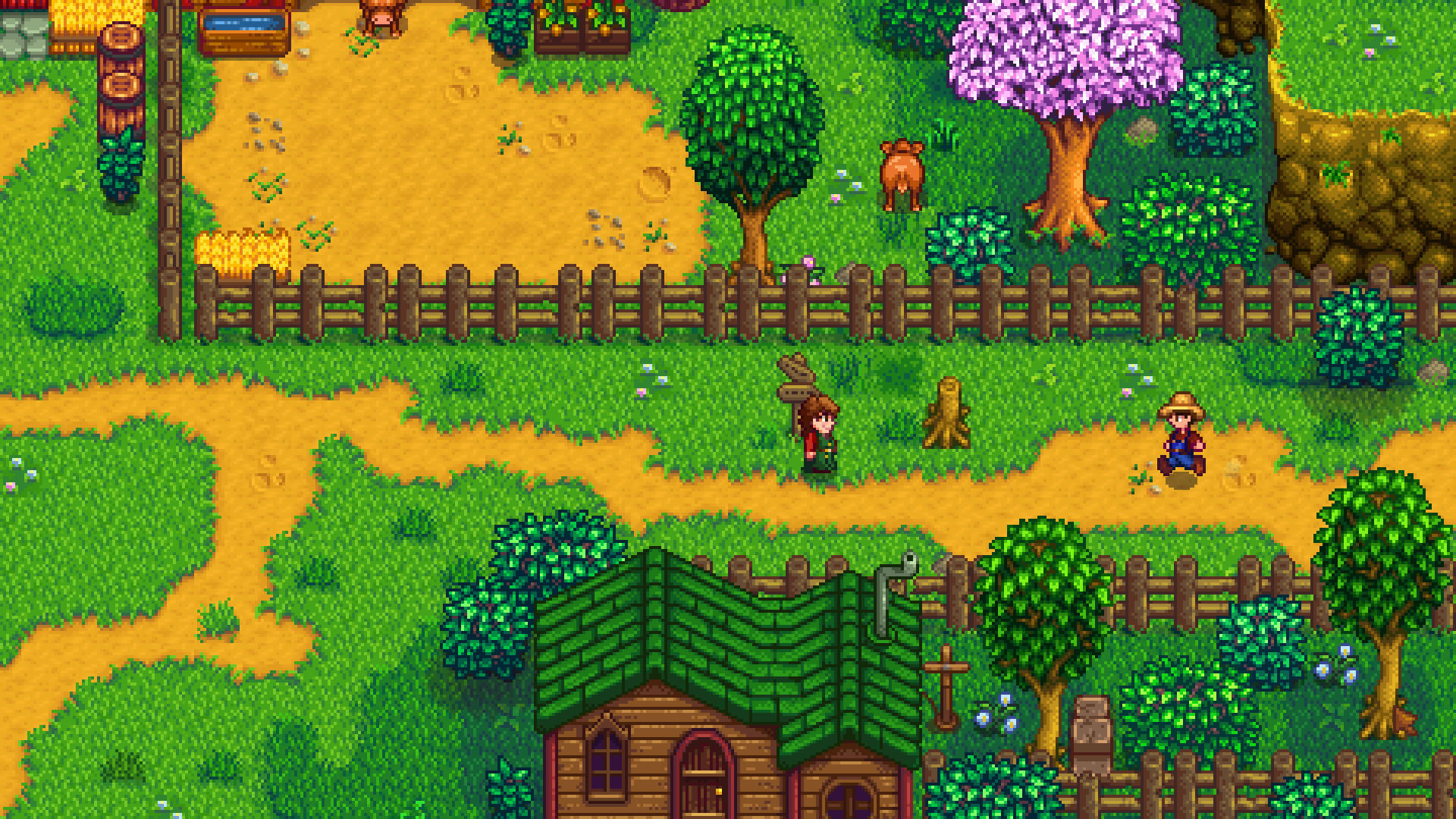
Pathoschild’s loader is the base of the whole scene. It loads mods, rewrites older code where it can, and checks for updates every time you launch. If a mod is outdated or missing a requirement, the console tells you in plain words which one.
The console is also your best debugging tool. Leave it open while you play. When something breaks, SMAPI writes a log file, and you can upload it through the official log parser to get help on Discord or Reddit. Helpers there will usually ask for that log before anything else.
Content Patcher
Content Patcher is the reason modern Stardew mods rarely break your game files. Instead of overwriting assets, content packs tell Content Patcher what to change, and it applies those edits in memory. Most retextures, new NPCs, dialogue mods and map edits are Content Patcher packs.
Version 1.6 of the game leaned into this hard. Many items, machines, buildings and shops became data assets that Content Patcher can edit directly, and item IDs moved to strings. That is why many older framework mods are no longer needed for new content.
Content Patcher also adds useful console commands. patch summary lists every pack and whether its patches applied. patch reload reloads a pack without restarting the game, which matters if you tweak configs a lot.
Generic Mod Config Menu
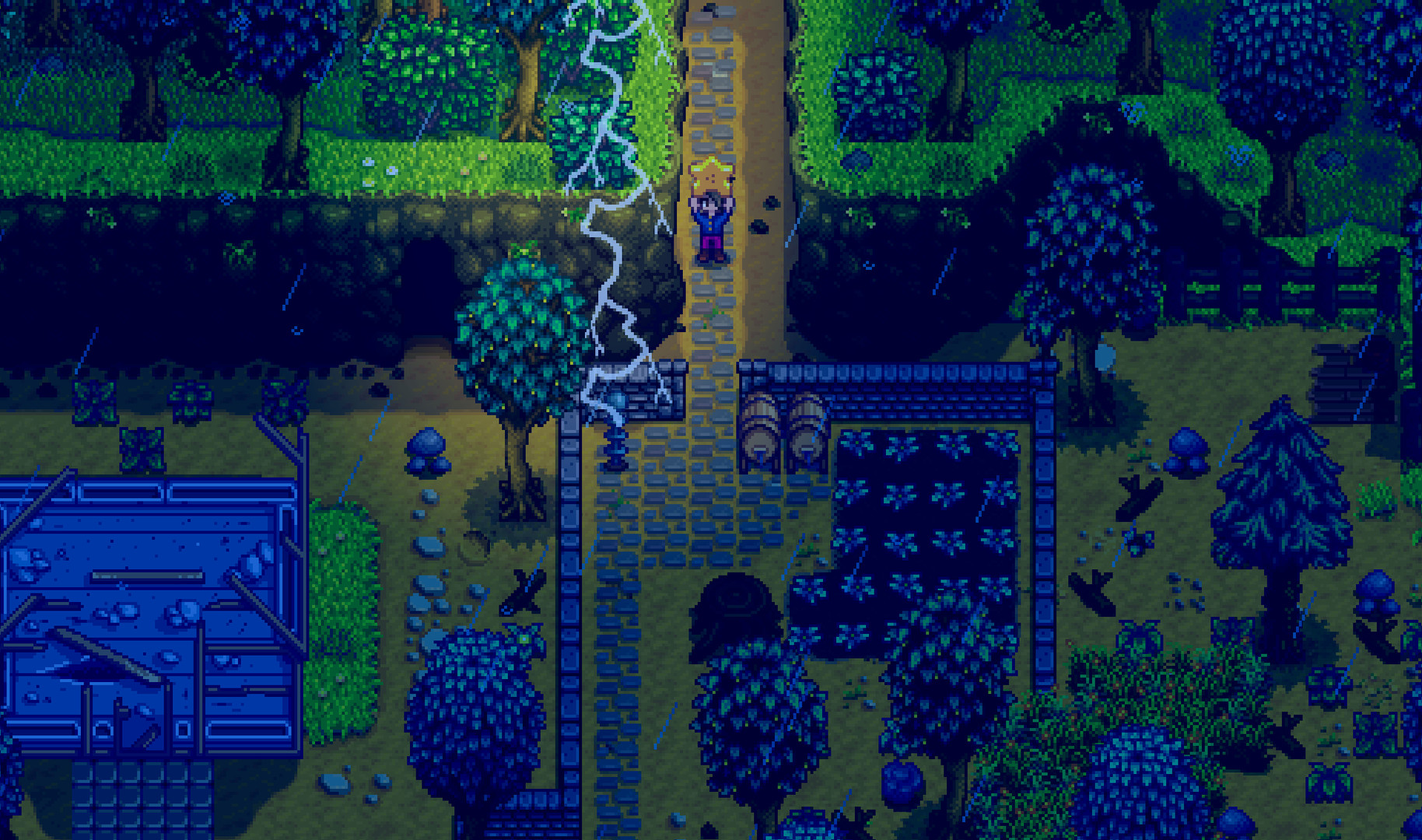
Without this, you’d edit each mod’s config.json in a text editor. spacechase0’s Generic Mod Config Menu adds a cog to the title screen and the in-game menu instead. From there you can change supported mods’ settings with sliders and checkboxes.
Not every mod registers with it, but most popular ones do, including Elle’s Seasonal Buildings and most of Pathoschild’s work. Install it once and forget it exists until you need it.
Lookup Anything
This is the single best quality-of-life mod in Stardew. Point at almost anything and press F1. You get a panel with the details the game hides: crop harvest dates, a villager’s gift tastes, a machine’s output timer, fish spawn conditions, a monster’s drop table.
For a first playthrough, it can spoil some discovery. The config lets you hide details you’d rather find yourself. For a second or third farm, it saves a trip to the wiki dozens of times per session.
NPC Map Locations
Bouhm’s mod puts villager head icons on your map so you can see where everyone is. It also adds an optional minimap. That alone makes gift-giving and festival prep less of a hunt through town.
You can hide villagers you’ve already gifted or talked to today. That turns the map into a to-do list. Expansion NPCs from mods like Stardew Valley Expanded usually show up too, though custom areas may not have map positions until the expansion or NPC Map Locations adds support.
UI Info Suite 2
Annosz maintains this fork of the original UI Info Suite. It adds small HUD icons for daily luck, villager birthdays, the TV recipe of the day, and when the traveling merchant is in town. Hover a crop to see days until harvest. Hold a sprinkler, scarecrow or Junimo hut to see its range on the ground.
It overlaps with Lookup Anything a little. I run both, and turn off the experience bars in UI Info Suite 2 because they clutter the screen. Before installing, check that the version on the page lists 1.6 support, since forks of this mod have changed hands over the years.
Chests Anywhere
Pathoschild’s Chests Anywhere opens a menu of every chest you own with one key, B by default. You can name chests, sort them into categories and hide ones you don’t need. It turns the end-of-day “walk to the shed to drop off stuff” loop into a few seconds.
You can limit access by location if full remote access feels too easy. The config can keep chests reachable only from the same area, which keeps some of the game’s planning intact.
Better Crafting
KhloeLeclair’s Better Crafting replaces the crafting and cooking menus. It pulls ingredients from nearby chests, lets you favorite recipes, and lets you craft in bulk. Making 50 Quality Sprinklers stops being 50 clicks.
It pairs naturally with Chests Anywhere. One finds the chest. The other uses what’s inside without you opening it.
Automate
Automate is the late-game mod I’d miss most. Put a chest next to a machine and Automate moves items between them. Kegs pull fruit from the chest and push wine back. A row of furnaces next to a chest of ore and coal keeps smelting while you’re in the mines.
Machines that touch each other, or that connect through paths like flooring set in the config, count as one group. Press U to toggle an overlay that shows which machines are linked. A shed full of kegs connected to one Junimo Chest is the classic setup, and it changes the late game completely.
Modder's note
Automate and Lookup Anything are made by the same author and play well together. Hover a chest with Lookup Anything to check whether Automate sees it as part of a machine group before you build a whole shed around it.
Tractor Mod
Tractor Mod lets you build a tractor garage from Robin. You can then drive a tractor that tills, waters, plants, fertilizes and harvests in a wide area. Holding a different tool changes what the tractor does.
The default cost is meant to be a late-game purchase. It’s also adjustable in the config for players who just want the tractor. Pair it with Data Layers, another Pathoschild mod that overlays sprinkler and scarecrow coverage, if you plan big crop grids.
Stardew Valley Expanded
FlashShifter’s Stardew Valley Expanded is the most popular content mod for the game, and it earns that spot. It adds new villagers, new romance options such as Claire, Lance, Olivia, Sophia, Victor and Magnus, plus new areas like the Highlands and the Crimson Badlands. It also brings a new farm map, Grandpa’s Farm, and reworked versions of existing maps, events and festivals.
The requirements list is longer than most. You’ll need Content Patcher and Farm Type Manager by Esca at minimum. The mod page lists the full set for the current version, and SMAPI flags anything missing when you launch.
Before you install
Start a new save for Stardew Valley Expanded. Adding it mid-save can work, but removing it later can strand items, NPCs and buildings.
Expect some balance changes on top of the content. SVE adjusts parts of the economy and late game, so a few numbers will feel different if you know the base game by heart.
Ridgeside Village
Rafseazz’s Ridgeside Village adds a whole second village with its own townsfolk, quests, festivals, romanceable characters and story. It’s a different flavor than SVE. Where SVE expands the existing valley, Ridgeside builds a new community beside it.
It works alongside SVE. A lot of players run both on the same save. Like SVE, it lists its frameworks on the mod page, and they change between versions, so read the requirements tab before each update.
East Scarp
Lemurkat’s East Scarp adds a seaside area with its own residents. Its real strength is modularity. Many extra NPCs, from Lemurkat and from other authors, are released as separate add-ons that slot into East Scarp.
That makes it a good pick for players who like to curate. You install the base area, then add only the characters you want. It’s lighter than SVE and Ridgeside, and it plays well with both.
Elle’s Seasonal Buildings
If you searched for Elle’s Seasonal Buildings, you probably saw a screenshot of a snowy barn and wanted it. Elle’s mod retextures farm buildings for each season. Roofs gather snow in winter, and the colors shift through the year, which makes your farm feel less static.
It’s a Content Patcher pack. Install Content Patcher, drop the folder into Mods, and change per-building options through Generic Mod Config Menu. Elle has also released matching animal retextures, and the set looks best together.
Modder's note
If your barn looks wrong after adding a recolour, run patch summary in the SMAPI console. It shows which pack’s edit applied. Turn off building edits in the other mod’s config instead of deleting either one.
Elle’s Seasonal Buildings works alongside most recolours, including DaisyNiko’s. Expansion farm maps sometimes come with their own building textures. If buildings on a custom farm ignore Elle’s sprites, that farm’s mod is likely loading its own versions.
Seasonal Outfits – Slightly Cuter Aesthetic
Poltergeister’s Seasonal Outfits gives villagers new outfits every season, plus festival clothes. The art style stays close to vanilla, a little softer, which is the “slightly cuter” in the name. It’s one of the easiest ways to make a long save feel fresh.
Compatibility patches for expansion NPCs depend on the version. Check the mod page’s notes if you run SVE or Ridgeside, since those mods have their own portraits and sprites.
DaisyNiko’s Earthy Recolour
DaisyNiko’s Earthy Recolour shifts the whole world to muted greens and browns. Vanilla Stardew can be very saturated, especially in summer. This mod keeps the charm and calms down the palette.
Recolours touch a huge number of assets, so they’re the mods most likely to clash with other visual changes. Install the recolour first. Add building, animal and portrait mods after that, and check each one’s compatibility notes.
CJB Cheats Menu
CJBok’s Cheats Menu opens with P and lets you change time, weather, relationships, money, movement speed and more. It’s useful for testing mods, fixing a stuck quest, or skipping grind you’ve done five times before. CJB Item Spawner, by the same author, adds a searchable menu for spawning items.
Keep it to your own single-player saves. In someone else’s multiplayer farm, ask first, or leave it off. Changing a shared world without consent is a fast way to lose a co-op partner.
Debug Mode
Pathoschild’s Debug Mode, toggled with F2 by default, shows tile coordinates, current location data and menu details. It also unlocks the game’s built-in debug commands through the SMAPI console. If you write Content Patcher packs, this is how you find the exact tile coordinates for a map edit.
Combine it with Lookup Anything’s data mode and the patch reload command, and you can test a content pack without restarting the game over and over.
XNB mods: why you should skip them
Older Stardew guides tell you to replace .xnb files in the game’s Content folder. Don’t. XNB mods overwrite original files, so they break when the game updates. They conflict with each other with no warning, and they’re hard to undo cleanly.
The official wiki discourages them, and almost everything worth having has a Content Patcher version now. If you’ve installed XNB mods in the past, use Steam’s “Verify integrity of game files” option to restore the originals before you install SMAPI mods.
Multiplayer and Steam Deck notes
Co-op works with mods, with a few rules. Everyone should run the same versions of content mods that add maps, NPCs or items. A mismatch causes missing objects, invisible characters, or worse. Pure client-side mods like UI Info Suite 2 or NPC Map Locations only change your own screen, so each player can pick their own.
On Steam Deck, switch to desktop mode, run SMAPI’s Linux installer, and set the launch option in Steam the same way you would on Windows. Back in Game Mode, the game launches with SMAPI. Mods with heavy visual changes run fine there, though big expansions add some loading time.
Keeping mods working after a game patch
Stardew updates less often than many games, but when it does, mods can break. Here’s how I handle it:
- Turn off automatic updates in Steam if you’re mid-save with a big mod list.
- When a patch lands, wait for a SMAPI update first. Pathoschild usually ships one quickly.
- Check the console on launch. SMAPI lists outdated mods and links to newer versions.
- Update the frameworks (Content Patcher, SpaceCore, Farm Type Manager) before the content mods that need them.
If you’ve modded Skyrim or Elden Ring, this will feel much calmer. Most Stardew mods load by dependency, and the console tells you what broke. It’s closer to how Minecraft mods behave on a single loader, minus the version-splitting between Forge and Fabric.
Troubleshooting common problems
| Problem | Likely cause | Fix |
|---|---|---|
| SMAPI window opens and closes | Game or SMAPI out of date | Update both, then relaunch |
| “Missing dependency” in console | A required framework isn’t installed | Install the mod SMAPI names |
| Mod skipped as outdated | Not updated for 1.6 | Find an updated version or remove it |
| Mods folder nested twice | Unzipped into an extra folder | Move the folder with manifest.json up one level |
| Retexture not showing | Another pack edits the same asset | Run patch summary, adjust configs |
| Steam launches vanilla game | Launch option missing | Re-add the SMAPI launch option |
| Co-op partner sees broken objects | Content mod versions differ | Match mod versions on every PC |
| Game slows on a big save | Heavy mod list or many Automate groups | Remove unused mods, merge machine groups |
The nested folder problem is the most common one I see. Every mod folder in Mods should have a manifest.json inside it, not inside another folder of the same name.
FAQ
Do Stardew Valley mods work on console or mobile?
No. Mods are PC only, on Windows, macOS and Linux, including the Steam Deck. The official console and mobile versions don’t support SMAPI or content packs.
Is SMAPI safe?
Yes, when you download it from Pathoschild’s Nexus Mods page or the official SMAPI site. It’s open source and the base of almost every modern Stardew mod. Avoid reuploads on other sites.
Can I add Stardew Valley Expanded to an existing save?
You can, but FlashShifter recommends a new save, and so do I. Removing SVE later is the riskier move, because it can leave items, NPCs and buildings stranded.
Do I need Stardrop or Vortex to install mods?
No. Unzip each mod into the Mods folder and SMAPI handles the rest. A manager helps once your list gets long or you want separate profiles for different saves.
What does Elle’s Seasonal Buildings need?
Content Patcher, which itself needs SMAPI. Generic Mod Config Menu is optional, but it makes changing building options much easier.
Will mods disable Steam achievements?
SMAPI doesn’t block achievements on its own. Cheat mods like CJB Cheats Menu can make them trivial to earn, so use them on a separate save if achievements matter to you.
What’s the best first mod to try?
Lookup Anything. It needs only SMAPI, changes nothing about the game’s content, and you’ll use it every day of every season.