
Game mods, explained and tested
m0use Mods: Video Game Mods, Guides and News
m0use Mods is an independent site about modding video games, from small quality-of-life tweaks to full overhauls that change how a game looks and plays. It is written for first-time modders, returning players rebuilding a load order, and anyone curious about what modding communities are creating. Every guide aims to get mods running safely while keeping your game files and saves intact.
Mod of the Day
One pick a day from the 424 most-liked mods in our mod database
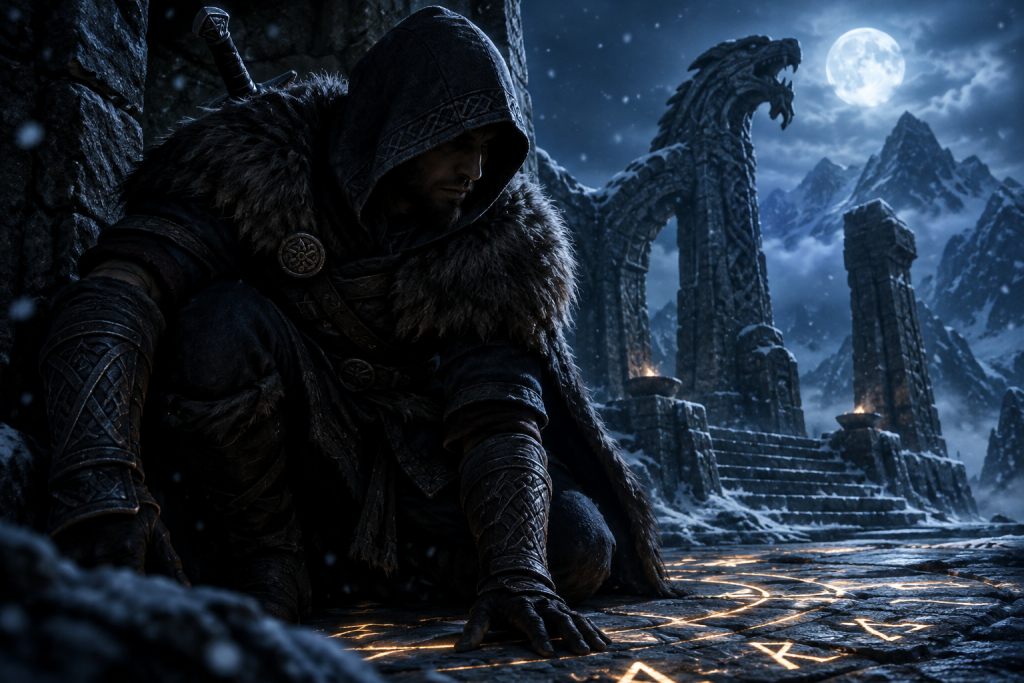
Glorious Merchant
by tomcIark
Free access to every item for quick build making.
- 618Kdownloads
- 11Kendorsements
Counts from the official mod page at our last database refresh (Oct 22, 2026). Always read the mod page and back up saves before installing.
Hottest new mod this week
Best new Skyrim Special Edition mods this week (October 14 to 20, 2026)
The week of October 14 to 20, 2026 was dominated by bug fixes. Four of the twelve most-endorsed new Skyrim Special Edition uploads on Nexus Mods repair vanilla behaviour, and the week's top two both come…
Install PC Game Mods Safely, Step by Step
Good prep makes almost any modding mistake reversible. Follow the same order every time, from backup to first launch, and a bad mod costs you minutes instead of a save file.
- Back up saves and note your version: Copy your save folder, which usually lives under Documents or AppData, and write down the game’s current version. On Steam, setting updates to “Only update this game when I launch it” helps prevent a surprise patch from breaking your setup.
- Download from trusted hosts: Use Nexus Mods, Steam Workshop, mod.io or the author’s official page, and avoid reuploads. Scan every archive with your antivirus before you extract it.
- Read the requirements first: The mod page lists supported game versions, dependencies such as script extenders, and known conflicts. Install the dependencies before the mod.
- Use a mod manager: Vortex or Mod Organizer 2 tracks every file it adds, so you can remove mods cleanly. MO2’s virtual file system leaves the game folder untouched.
- Add mods one at a time: Install a single mod or a small batch, then set load order using the author’s notes or LOOT for Bethesda games.
- Test on a copied save: Launch the game and play for a few minutes. If something breaks, disable the last mod you added or run Steam’s “Verify integrity of game files” to repair modified files.
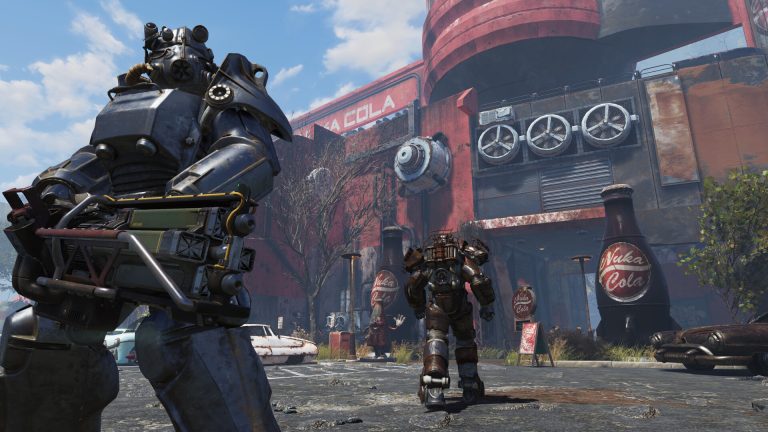

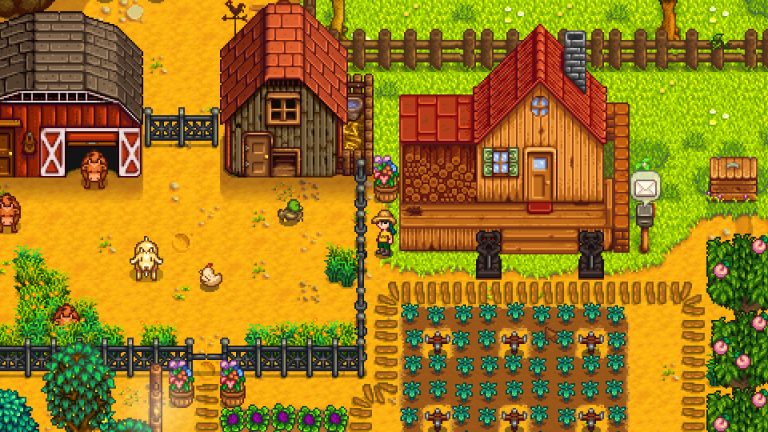
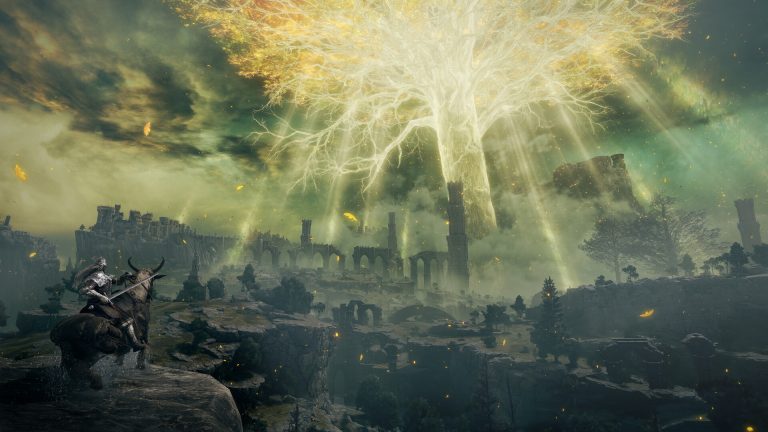
Mod database · 53 games · Nexus Mods, Modrinth, Thunderstore
Search 21,000+ mods
Which mod manager or loader should you use?
Choose by game first. Mod managers install and organise your files. Minecraft loaders work differently: they are separate mod-loader ecosystems, and the correct choice is usually determined by the mods or modpack you want to run.
| Tool | Games it suits | Platform | Best for |
|---|---|---|---|
| Vortex | Nexus Mods games, from Skyrim to Cyberpunk 2077 | Windows only; SteamOS support promised for 2026, not confirmed shipped | One-click Nexus downloads, conflict detection, profiles |
| Mod Organizer 2 | Bethesda games: Skyrim, Fallout 4, New Vegas | Windows; Linux via community Proton setups | Big load orders with untouched game files |
| CurseForge app | Minecraft, World of Warcraft, The Sims 4, Hytale | Windows (standalone or Overwolf), macOS, Ubuntu | Largest Minecraft modpack library |
| Modrinth App | Minecraft: Java Edition only | Windows, macOS, Linux; still labelled beta | Open source; misses CurseForge-only mods |
| r2modman / Thunderstore Mod Manager | Lethal Company, Valheim, Risk of Rain 2, R.E.P.O. | r2modman: Windows, Linux, Steam Deck. TMM: Windows via Overwolf | Ad-free, account-free r2modman for Thunderstore co-op games |
| Fabric / Forge (plus NeoForge) | Minecraft: Java Edition; one loader per instance | Any PC running Java Edition | Fabric: performance mods. NeoForge: new big packs. Forge: legacy packs |
Bottom line: use MO2 or Vortex for Nexus and Bethesda games and r2modman for Thunderstore titles; for Minecraft, use Modrinth or CurseForge with the loader your modpack requires.
Latest mod guides
Frequently asked questions
Are game mods safe to download?
Most are, but only when they come from established mod hosts and you treat any mod with executable files as a real risk. Kaspersky found that since late 2025, malware has been spreading rapidly through the Steam Workshop inside Wallpaper Engine packages, and many of these packages had thousands or even tens of thousands of downloads. Before you install anything, read the comments, check the uploader’s history and run a scan.
Can you use mods on PS5 and Xbox?
Yes, but only in games whose developers support mods on console, and only from a list they’ve approved. Baldur’s Gate 3 is a good example: console users won’t have modding toolkits like PC players, and instead have to choose from hand-picked mods tested by Larian. You can’t sideload files from PC mod sites onto a console.
Will mods break my save file?
They can. The biggest risk is removing a mod partway through a playthrough when your save depends on it. Back up your saves before you add or remove anything, and keep a separate character for modded play. In Starfield, your save file is marked with an “M” for modded once you install a mod.
Do mods disable achievements and trophies?
In many Bethesda games they do. Bethesda’s own support page says Creations will disable achievements in Starfield unless they are tagged as “Achievement Friendly.” Rules change from game to game, so check the official policy before you mod a save you care about.
Why did a game update break my mods?
Patches change the code and files that mods depend on. Rockstar has said that because game mods are by definition unauthorized, they may be broken by technical updates, cause instability, or affect your game in other unforeseen ways. After a big patch, wait for mod authors to release updated versions before you launch a modded save.
Can you get banned for using mods in multiplayer?
Yes. Online modes are where bans happen. Rockstar told players you should not worry about being banned or being relegated to the cheater pool just for using single player PC mods, but its support team warns that if you decide to join GTA Online with any 3rd party apps or mod menus installed, you are at risk of being banned. Turn off or remove mods before you go online.
Common Modding Terms Every Player Should Know
These ten terms show up on nearly every mod page, install guide and troubleshooting thread, so learning them first will save you a lot of broken saves.
- Conflict
- Two or more mods changing the same file or record, so only one version takes effect unless a patch combines them.
- Dependency
- A mod, framework or tool that another mod needs in order to run, usually listed under “Requirements” on its download page.
- ESP/ESM/ESL plugins
- Plugin file types in Bethesda’s Creation Engine games, where ESM master files load first, ESP plugins load after them, and ESL “light” plugins in Skyrim Special Edition, Fallout 4 and Starfield avoid using up the limited regular plugin slots.
- Load order
- The sequence in which a game loads its plugins, where the mod lower in the list usually wins when two mods edit the same record.
- Mod loader
- A framework that adds mod support to a game or makes it easier to manage, like Forge, NeoForge or Fabric for Minecraft and BepInEx for many Unity games.
- Modpack
- A curated bundle of mods, settings and load order built to work together, often installed in one step through Wabbajack, Nexus Collections or the CurseForge app.
- Nexus endorsements
- A thumbs-up that Nexus Mods members can give a mod after downloading it, which works as a rough public signal of quality and popularity.
- Overwrite
- What happens when one mod’s file replaces another mod’s file with the same name and path, and in Mod Organizer 2 it is also the folder that catches files created by tools and the game.
- Patch
- A small compatibility mod that reconciles the changes of two specific mods so both work as intended.
- Script extender
- A community tool, such as SKSE for Skyrim or F4SE for Fallout 4, that expands what mod scripts can do and often needs an update after each official game patch.
1 guide
Start here: modding guides
This hub gathers m0use Mods' practical guides to modding PC and console games, from choosing a mod manager to releasing your first creation.
All modding guides